
Development Setup: Mac GUI applications Part 1

I have had a few requests in the past to share my development setup. This first part covers UI applications I find helpful for development workflows. In the second part, I will cover tools I use to manage information and creative work.
Everything listed is installed through CLI with brew.
Development
1
2
3
4
5
6
7
8
9
10
cask "alacritty"
cask "visual-studio-code"
cask "lens"
cask "beekeeper-studio"
cask "postman"
cask "raycast"
cask "amethyst"
cask "spaceman"
cask "firefox"
cask "forklift"
Terminal — cask "alacritty"

Alacritty is a modern terminal emulator and has been my default terminal for the past few years. I prefer it for being feature-minimal, faster and cross-platform over alternatives I tried in the past (iTerm2, kitty).
I am also planning to write a short post on my terminal setup and will link back once that is published.
| description | value |
|---|---|
| usage-frequency | daily |
| sync | github dotfiles |
| opensource | Y |
| cost | free |
Code editor — cask "visual-studio-code"
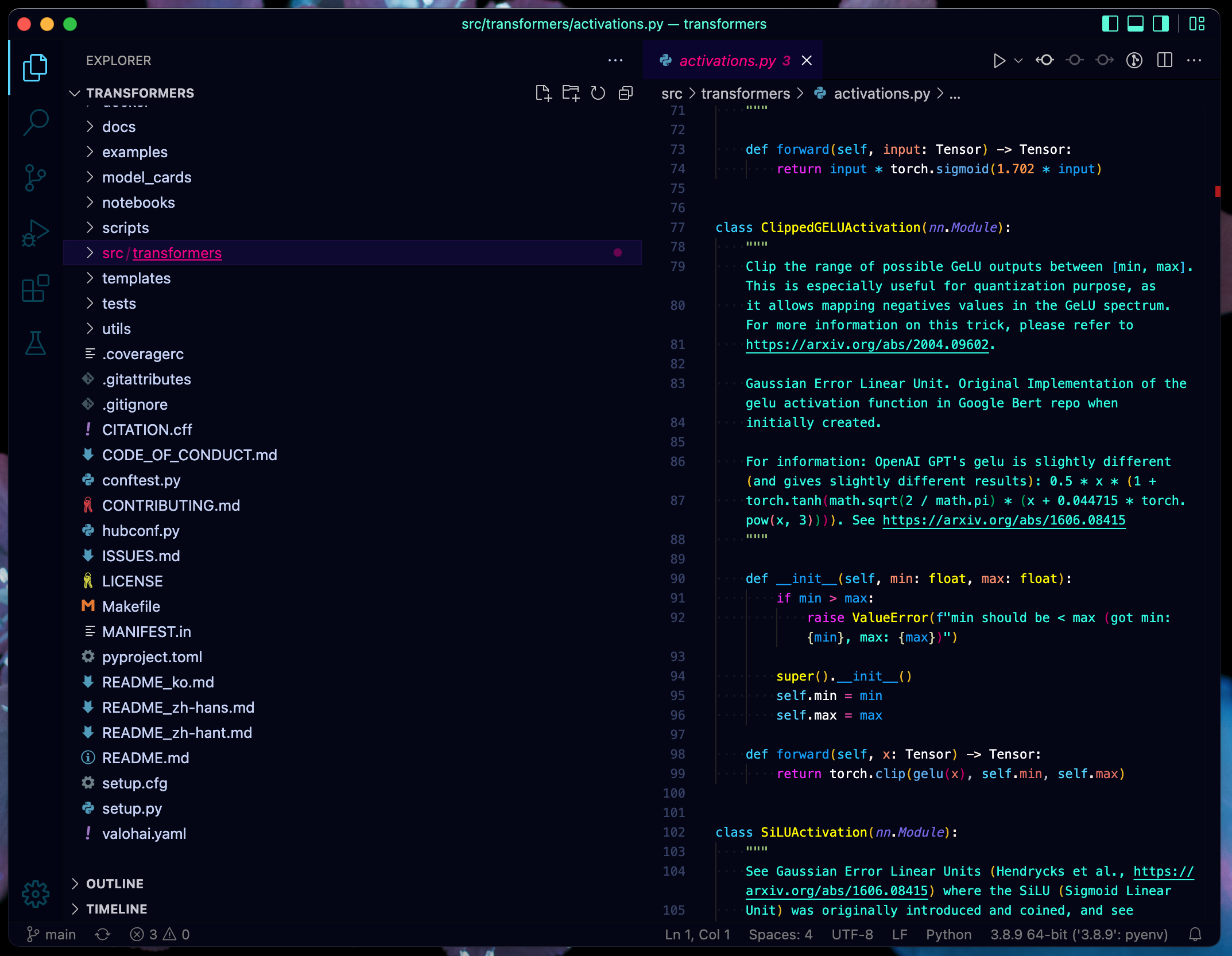
I set up VSCode exactly how I would like an IDE to function when it first came out 7 years ago. I haven’t looked at anything else since. It works across all platforms and is frequently updated and open-source (although with telemetry and integration into Microsoft).
Extensions (less is more):
- Python
ms-python - Gitlens
eamodio - Ruff
charliermarsh.ruff - Rust Analyser
rust-lang
Theme:
- Fluorescence
bodak
Lately, I have been considering switching to the VSCodium fork.
| description | value |
|---|---|
| usage-frequency | daily |
| sync | github gist |
| opensource | Y (w telemetry) |
| cost | free |
Kubernetes client — cask "lens"
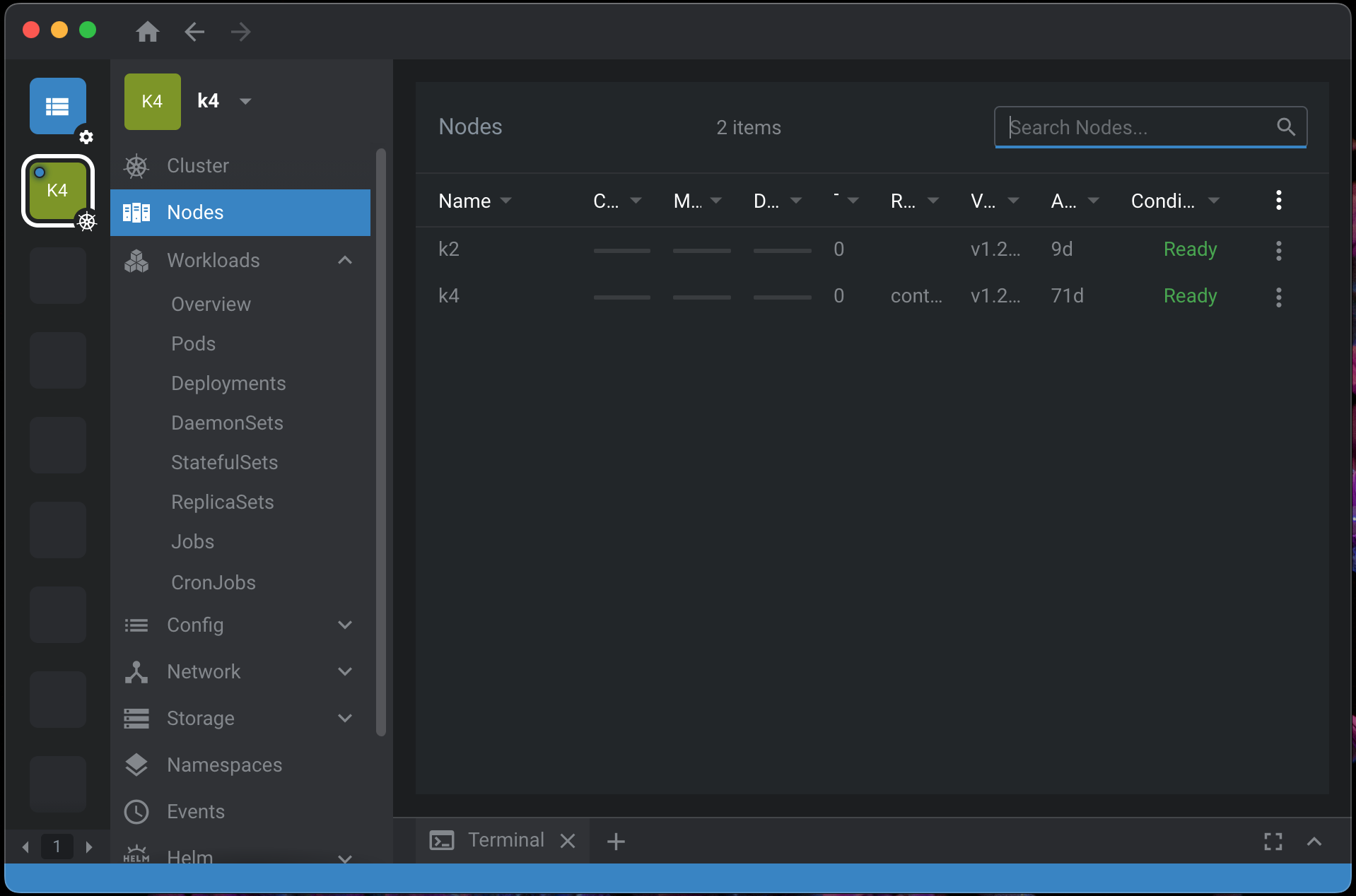
I use Lens frequently to visually check on Kubernetes clusters (at home or work). It provides a nice UI for most common tasks, e.g. quickly launching a terminal inside or seeing logs of a pod.
I still use CLI kubectl for applying and deleting K8 objects.
Lately, I have been considering switching to the OpenLens fork.
| description | value |
|---|---|
| usage-frequency | weekly |
| sync | none |
| opensource | Y (w telemetry and recently forced login) |
| cost | free |
Database Management — cask "beekeeper-studio"
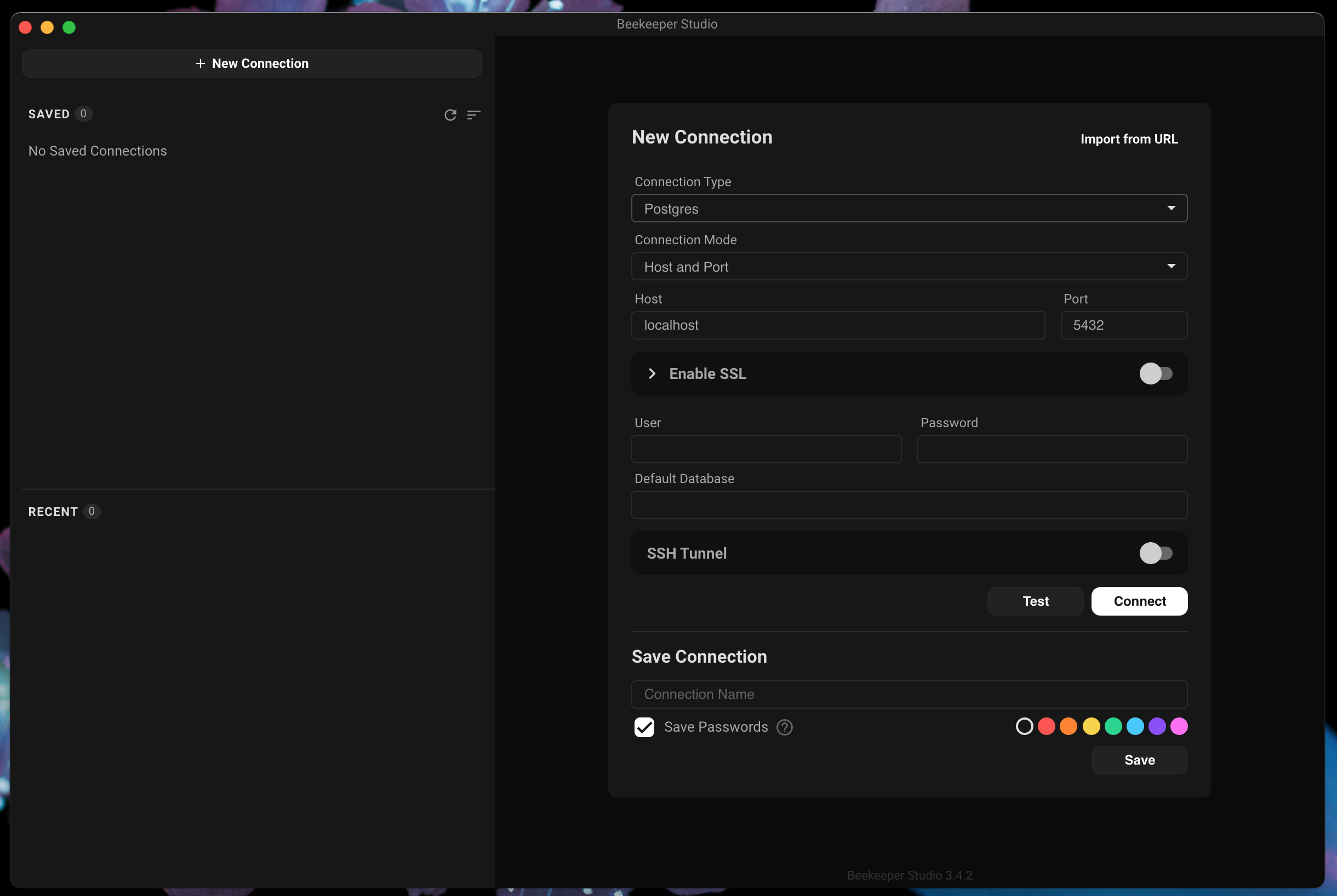
I rarely work with traditional databases anymore, but for any quick query or debugging, I use Beekeeper Studio. It supports almost all connection types I would need and is open-source.
| description | value |
|---|---|
| usage-frequency | monthly |
| sync | none |
| opensource | Y |
| cost | free |
API testing — cask "postman"
Postman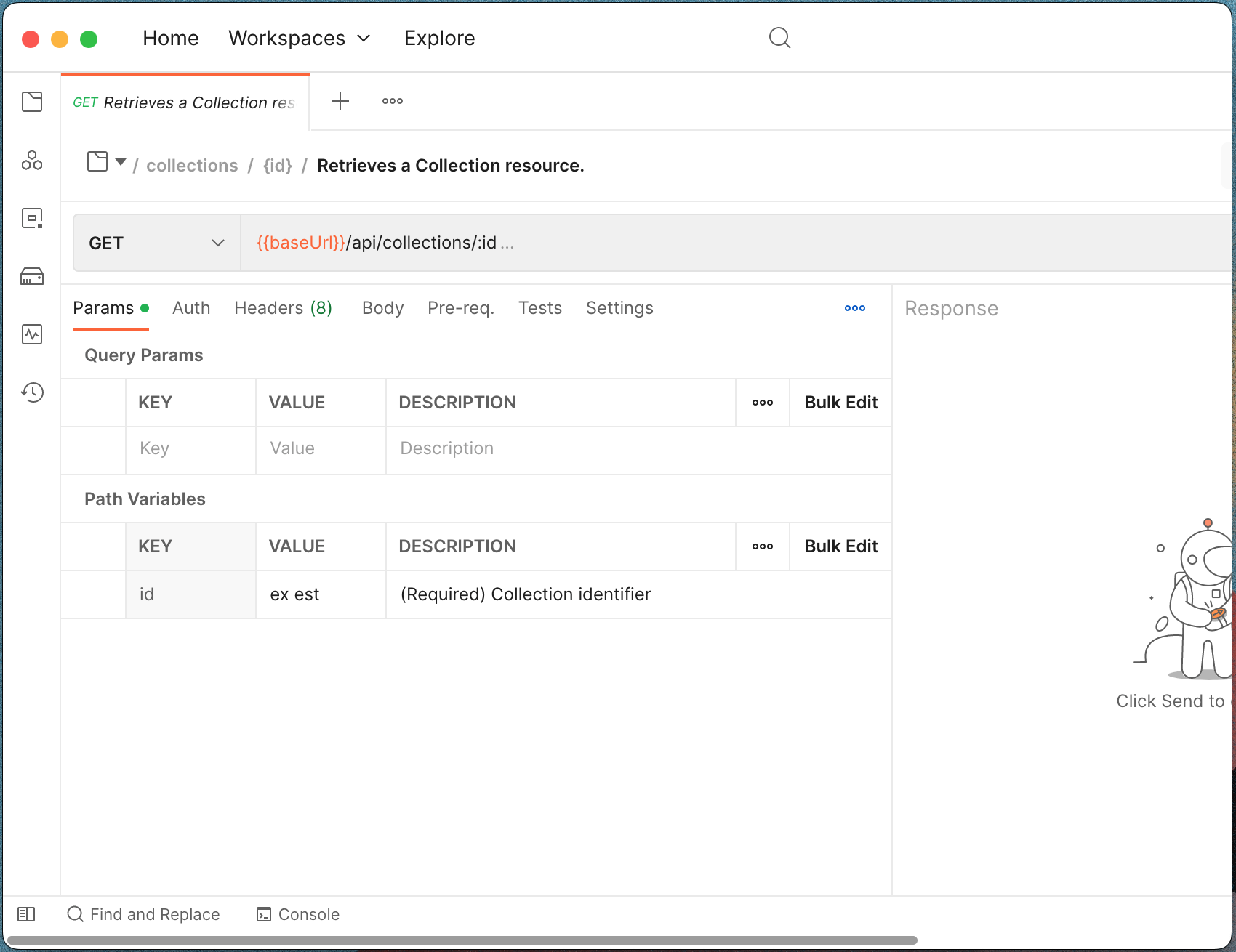
Postman is a free app to test APIs. I usually use Postman if I have to quickly evaluate a new cloud API or when I am developing my API endpoints. It is usually to sanity check for ensuring I am familiar with the API schema before coding it up in requests.
| description | value |
|---|---|
| usage-frequency | weekly |
| sync | none |
| opensource | N |
| cost | free |
Workflow
Application launcher — cask "raycast"
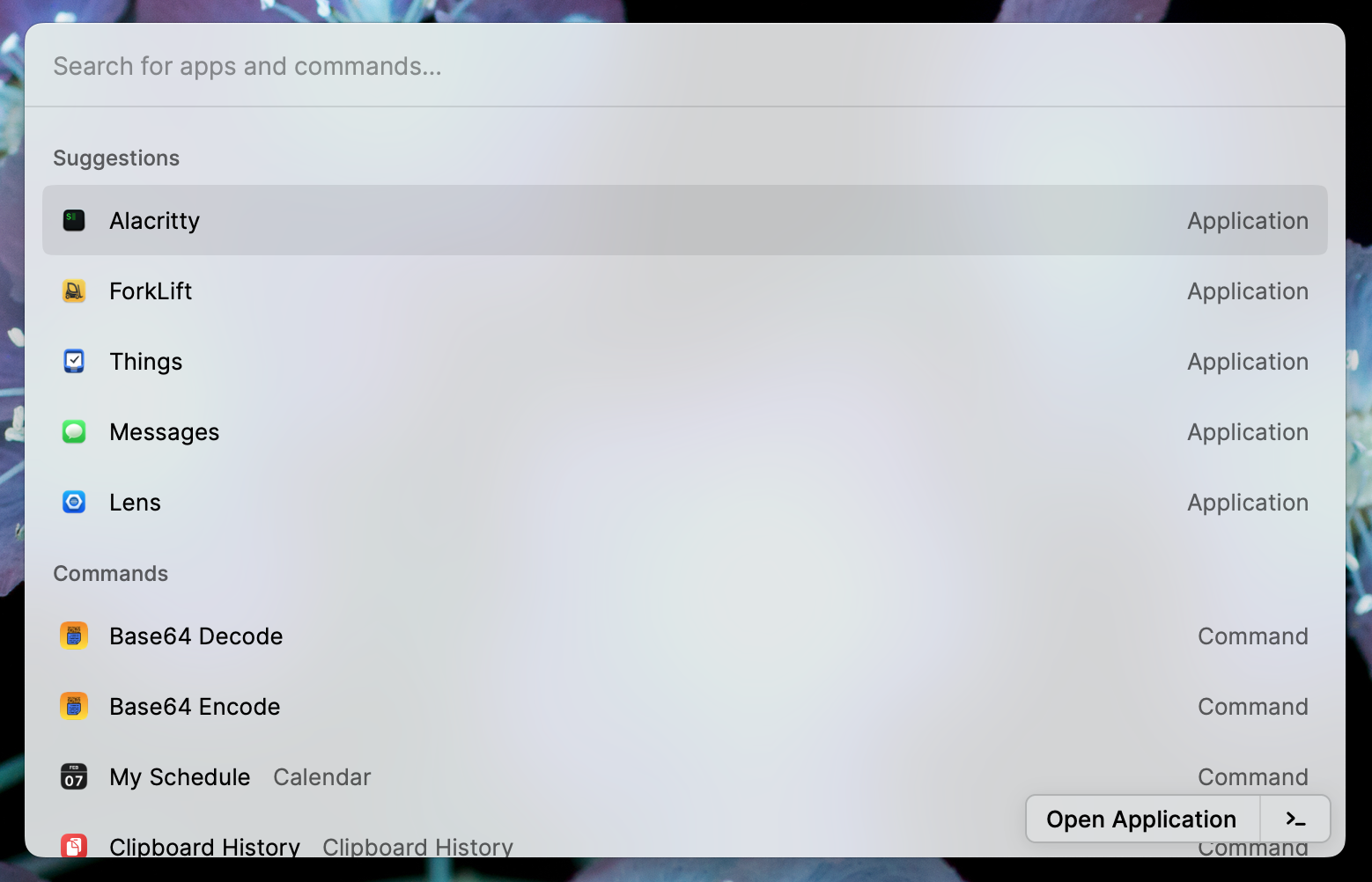
I used to use the first version of Alfred in 2008 but never purchased subsequent versions. I moved to plain Spotlight and it worked very well.
I am currently trialling Raycast. It has some very convenient actions, but I am concerned about it being a closed-source and team subscription-based business model. I will most likely convert their most useful actions to Apple Automator and use Spotlight again.
| description | value |
|---|---|
| usage-frequency | daily |
| sync | none |
| opensource | N |
| cost | freemium |
Web tools — cask "ferdium"
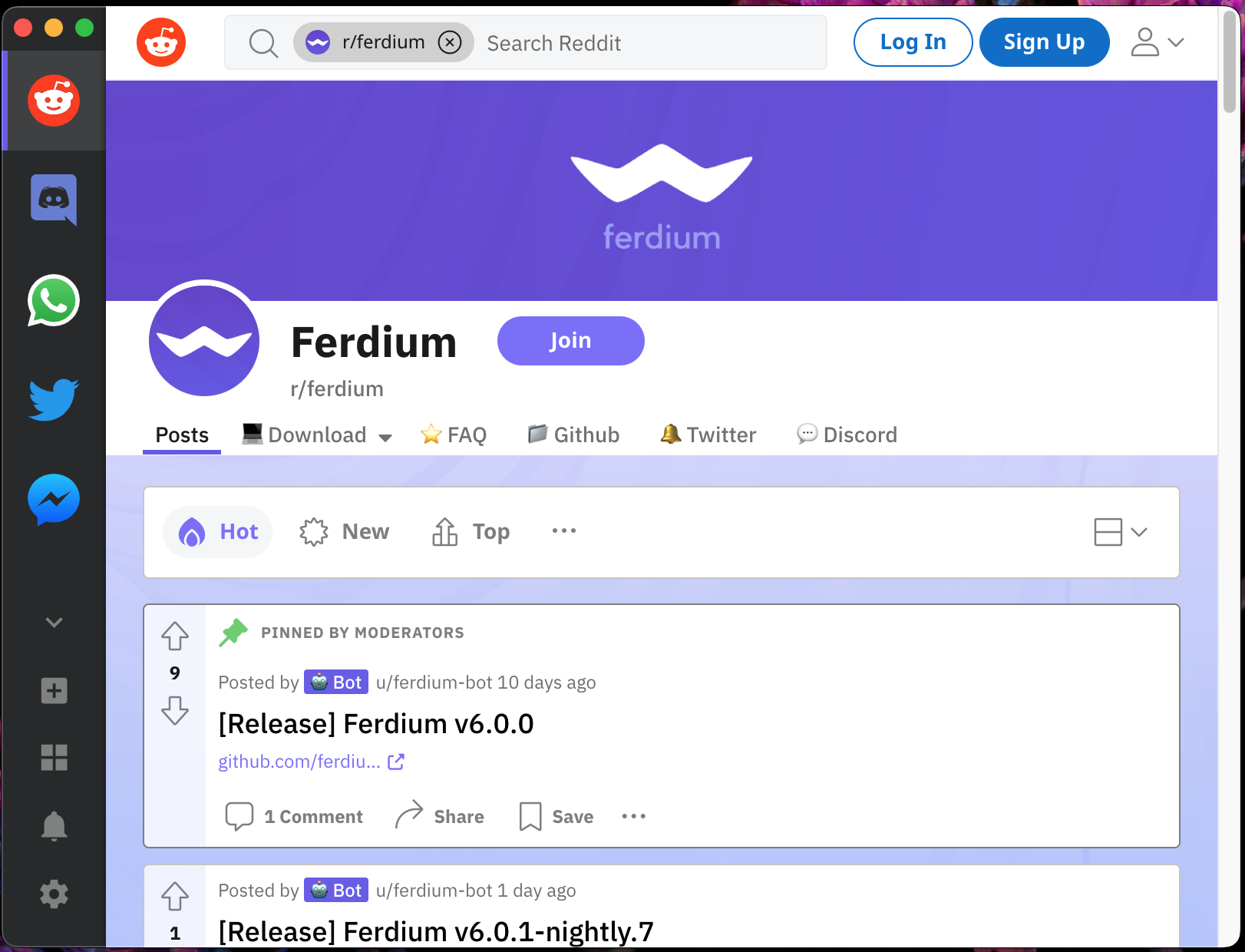
I prefer to keep my browser tab count minimal, so any web service finds itself quickly migrating to Ferdium. I also have workspaces set up so social, private and work web services are separated.
| description | value |
|---|---|
| usage-frequency | daily |
| sync | github dotfiles |
| opensource | Y |
| cost | free |
Window manager — cask "amethyst"
Amethyst just “works”. It’s an open-source window manager that brings the spirit of xmonad and i3 to Mac. I have come to prefer it over Moom / Spectacles. It also has no requirement for System Integrity Protection to be disabled (yabai).
I am using a two window layout setup (i) single window full-screen (ii) split window full-screen. I then use built-in spaces to separate work environments.
| description | value |
|---|---|
| usage-frequency | automatic |
| sync | git |
| opensource | Y |
| cost | free |
Space manager — cask "spaceman"

SpaceMan is a helpful menubar app to see what space you are in and how many spaces you have open. Supports multiple displays!
| description | value |
|---|---|
| usage-frequency | every day |
| sync | none |
| opensource | Y |
| cost | free |
Browser — cask "firefox"
At this point, I have probably used all browsers available on a Mac at one point. Chrome became too resource-hungry, Safari dropped support for most of my extensions, Brave is a commercial product. In the end, I have been using Firefox for the past few years. It’s reliable, open-source and supports lots of extensions.
One of my favourite features of Firefox is Firefox Multi-Account Containers. I like “containerizing” my browser whether that is for personal / work separation or just general security.
| description | value |
|---|---|
| usage-frequency | every day |
| sync | firefox account |
| opensource | Y |
| cost | free |
File manager — cask "forklift"

This is the only paid app on this list. Forklift 3 supports dual pane file management and most transfer protocols I need daily (SFTP, FTP, S3). This makes it convenient to move files around both locally and remote.
I frequently think I should just do this in the terminal (nnn, ranger), but I keep coming back to the convenience of Forklift’s GUI.
| description | value |
|---|---|
| usage-frequency | every day |
| sync | none |
| opensource | N |
| cost | $20 |
Comments
Post comment